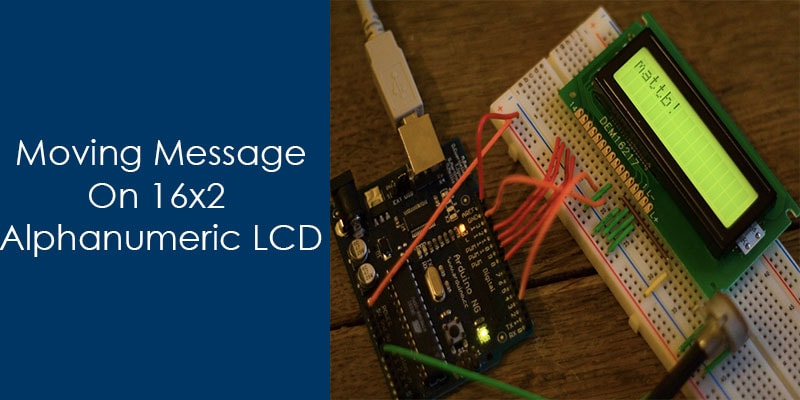
LCD use in many device to display message, like in printer, coffee machine, remote etc.There are a lot of type LCD present in market, these are may be alphanumeric, graphical or any other type. Here I will discuss about the alphanumeric LCD.
Alphanumeric LCD comes in different size 8*1, 8*2, 16*1, 16*2 or 20*4 etc. These LCD only able to display characters, who have the ASCII value. Some alphanumeric LCD provide the facility to generate own custom characters.
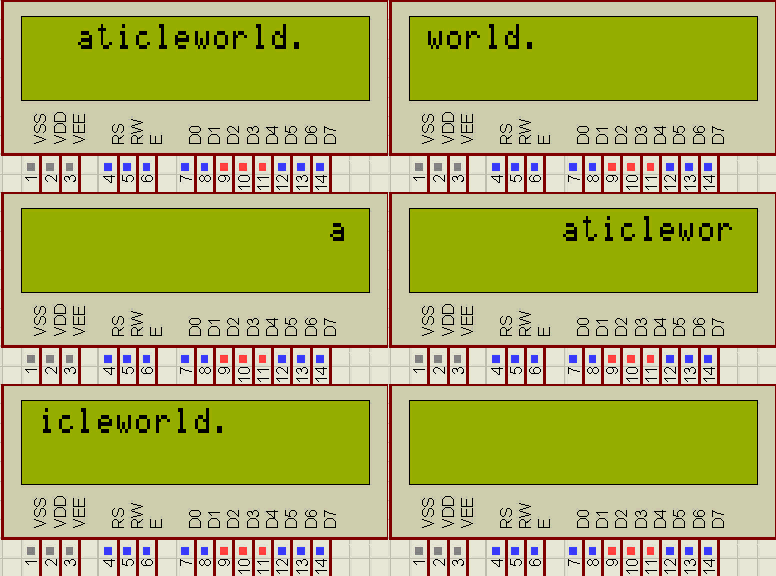
In this article I will describe the steps to display moving message on 16*2 alphanumeric LCD, but before it I want to discuss about its pin configuration and connection.
Pin configuration of 16*2 alphanumeric LCD
| Pin | Description of Pin |
| 1. | VSS (Ground Pin). |
| 2. | VCC (+3.3 to +5V). |
| 3. | VEE (Use to adjust the contrast). |
| 4. | RS (Resistor select pin).
RS = 0; select command resistor. RS = 1; select data resistor. |
| 5. | R/W (Read and Write Pin)
R/W = 0; write operation. R/W = 1; Read operation. |
| 6. | E (clock enable pin). |
| 7. | D0 (I/O) |
| 8. | D1 (I/O) |
| 9. | D2 (I/O) |
| 10. | D3 (I/O) |
| 11. | D4 (I/O) |
| 12. | D5 (I/O) |
| 13. | D6 (I/O) |
| 14. | D7 (I/O) |
| 15. | Led (+ve). |
| 16. | Led (-ve). |
Note: Interface of HD44780 supports two modes operation, 8 bit mode and 4 bit mode.In this article I will only discuss about the 8 bit mode.
Some useful commands for LCD
| Command | Description |
| 0x01 | To clear LCD. |
| 0x0e | Display on and cursor blink. |
| 0x0c | Display on and cursor off. |
| 0x38 | 8 bit mode and 2 line 5*8 matrix. |
| 0x06 | Increment cursor (shift toward right) |
| 0x04 | Decrement cursor (shift toward left) |
| 0x80 | Cursor in beginning of first line. |
| 0xc0 | Cursor in beginning of second line. |
Steps to write display message on LCD
- Initialize the LCD using the LCD initialization commands.
- Set the address of DDRAM ,where you want to display the character.
- Write the character on the data bus of LCD.
When we pass command or data on LCD then follow following steps.
- If passing the command then make RS pin low (RS = 0) either for data make RS pin high (RS = 1).
- Set Enable pin high (EN = 1).
- Write the command or data on the data bus.
- Set Enable pin low (EN = 0).
If you want to learn more about the c language, here 10 Free days (up to 200 minutes) C video course for you.
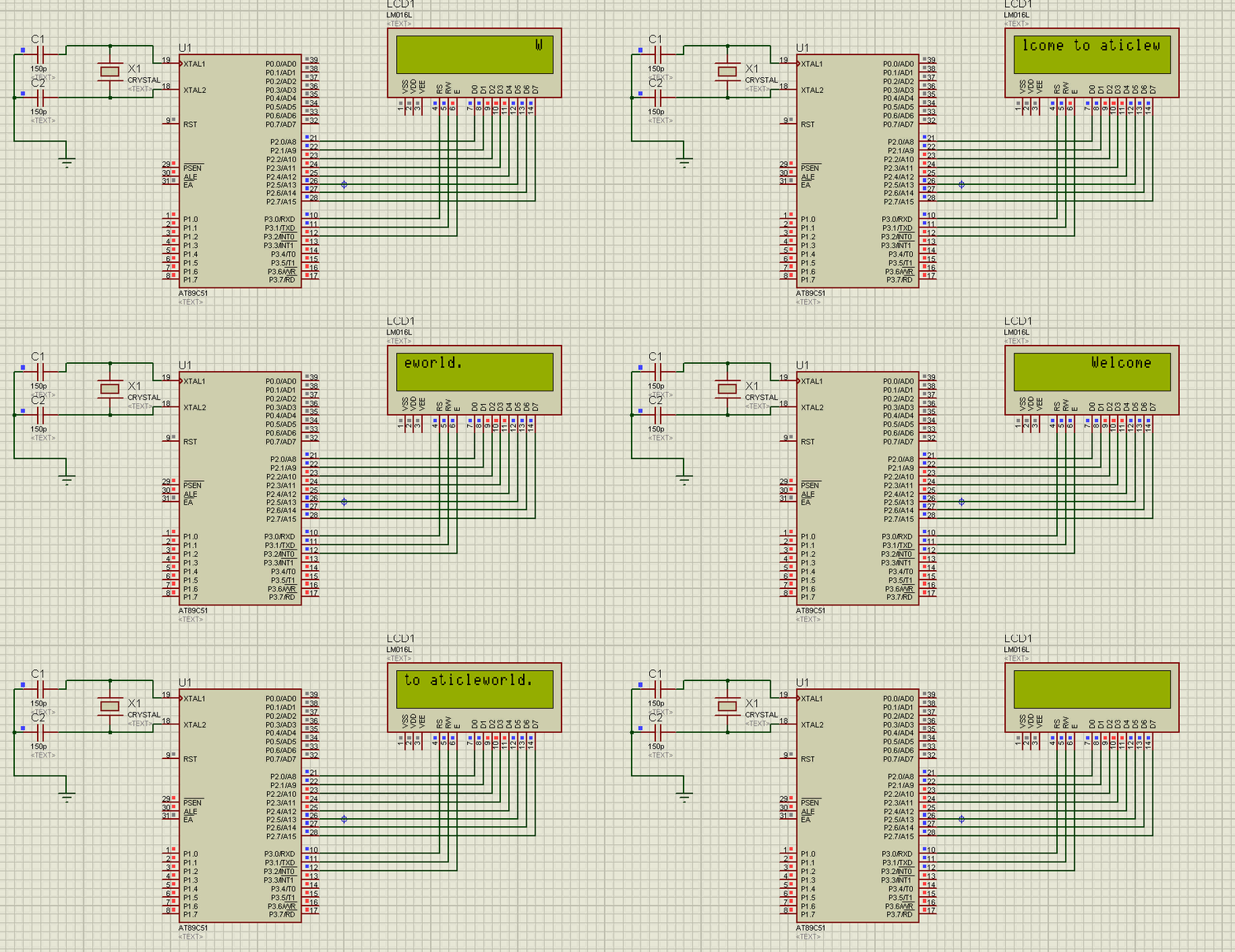
Source code to display moving message on 16×2 alphanumeric LCD.
#include<reg51.h>
#include<string.h>

#define LCD P2 /*Attached Lcd on Port*/

sbit rs =P3^0; /*Configure RS Pin*/
sbit rw=P3^1; /*Configure R/W pin*/
sbit e =P3^2; /*Configure Enable pin*/


/*Function to write command on Lcd*/
void LcdCommand(const char cCommand);

/*Function to display message on Lcd*/
void DisplayMessage(const char *pszMessage);

/*Function To Initialize Lcd*/
void LcdInit(void);

/*Function to Provide delay*/
void Delay(unsigned int);


int main()
{

    short siLoop = 0;
    short siLen = 0;
    const char *pszDisplayMsg = "Welcome to aticleworld.";

    siLen = strlen(pszDisplayMsg); /*Calculate length of Message*/

    LcdInit();  /*Lcd Initialize*/

    while(1)
    {

        LcdCommand(0x8f); /*Address of DDRAM*/

        DisplayMessage(pszDisplayMsg);

        for(siLoop=0; siLoop < siLen; siLoop++)
        {

            LcdCommand(0x1c);
            Delay(25);

        }
    }
}

/*Function to write command on Lcd*/
void LcdCommand(const char cCommand)
{

    rs = 0;
    rw = 0;
    e  = 1;
    LCD = cCommand;
    Delay(1);
    e=0;

}

/*Function to Display message on Lcd*/
void DisplayMessage(const char *pszMessage)
{

    rs = 1;
    rw = 0;
    while(*pszMessage!='\0')
    {
        e  = 1;
        LCD = *pszMessage;
        Delay(1);
        e=0;
        pszMessage++;
    }
}

/*Function to Provide Delay*/
void Delay(unsigned int i)
{
    int j,k;
    for(j=0; j<i; j++)
    {
        for(k=0; k<1275; k++);
    }
}

/*Initialise the LCD*/
void LcdInit(void)
{

    LcdCommand(0x01);
    LcdCommand(0x38);
    LcdCommand(0x06);
    LcdCommand(0x0c);
}
Recommended Post:
- Led blinking program in c for 8051.
- Interfacing of switch and led using the 8051
- Interfacing of Relay with 8051 microcontroller
- Moving message display on LCD using 8051
- LCD 4-bit mode c code for 8051.
- Create LCD custom characters for 16×2 alphanumeric LCD
- Interfacing of keypad with 8051
- Electronic digital lock using the 8051
- Interfacing of EEPROM with 8051 microcontrollers using I2C
- Embedded c interview questions.
- 8051 Microcontroller Pin Diagram and Pin Description.
- Can protocol interview questions.
- 8051 Architecture.